What do you check to judge a website's security?
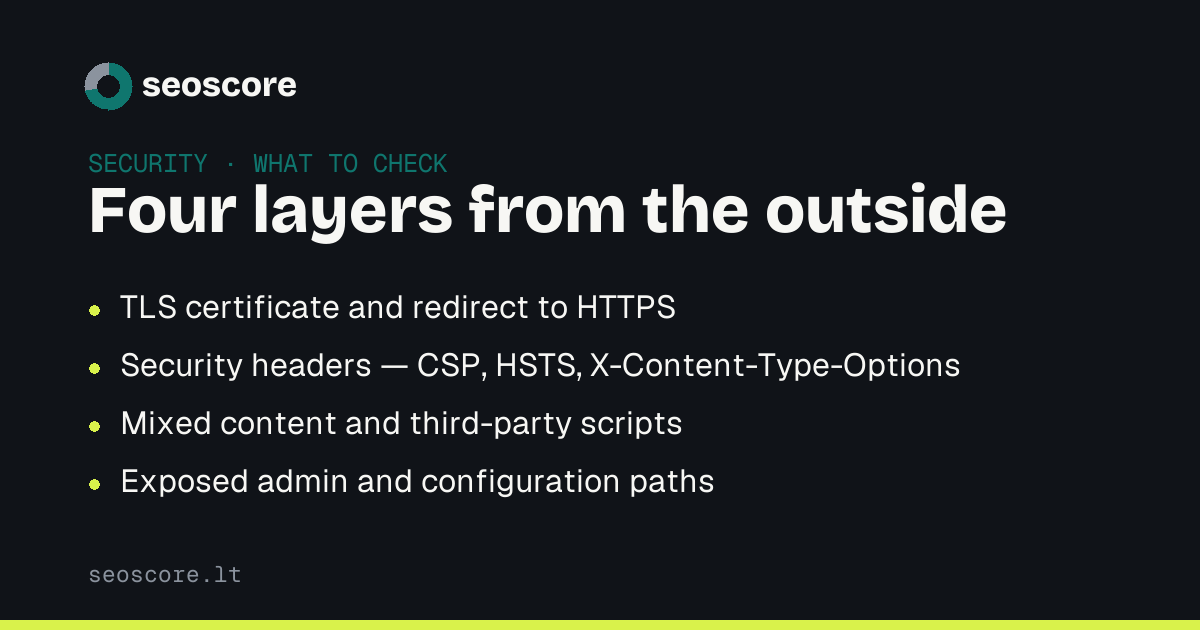
Four things are checkable from outside: whether the TLS certificate is valid and HTTP redirects to HTTPS, whether security headers are sent, whether the page has mixed content, and whether admin or configuration paths are publicly reachable. The fourth layer — patching — is only visible from inside.
A security audit sounds like work for a penetration tester, but most of it is visible from outside and within minutes. Not because it is easy, but because the most common faults are configuration, not code.
One distinction up front: this is about hygiene, not vulnerability hunting. Scanning for malware and known exploits is a different job.
1. Certificate and HTTPS
The first and only layer a visitor notices. What to check:
- whether the certificate is valid and when it expires;
- whether
http://redirects tohttps://rather than running alongside it; - whether the
wwwand non-wwwversions lead to the same address.
Two versions running in parallel is both a security and an SEO problem: content duplicates, and some visitors stay on an unencrypted connection.
2. Security headers
This is where the gap between "works" and "in order" lives. Headers are instructions telling the browser what it may do with your page:
Strict-Transport-Security   the browser stops trying HTTP even once
Content-Security-Policy     where scripts are allowed to load from
X-Content-Type-Options      no guessing a file's type
Referrer-Policy             how much of the address goes to another site
X-Frame-Options             whether your page can be put in someone's frame
They break nothing and cost nothing, and without them the browser behaves in the most permissive way available.
3. Mixed content and third-party scripts
A page served over HTTPS with even one image or script arriving over HTTP is a page with a hole. Browsers block some of that content silently, and the fault shows up as "something is not working".
The other half is how many third-party domains have the right to execute code on your page at all. Each one is trust you do not control.
4. What is reachable that should not be
A quick check worth doing everywhere: whether /.env, /.git/config,
/backup.zip or an unrestricted admin panel opens publicly. This is not theory —
it is how most leaked credentials get found.
What you cannot see from outside
Library versions, server patching, password policy and backups. That part is only checkable by someone with access — which is why an external audit is never a complete audit, and a good report says so.
Related articles
The same subject from another angle — each answers its own question:
- Security headers: what each one actually does
- Technical SEO audit: what to check and when
- Free SEO scan: what it actually shows you
How this feeds into the score is described under what we check.
Sources
What this text rests on — primary sources, not retellings:
Frequently asked
Is an SSL certificate enough?
No. A certificate encrypts the connection and nothing more. It does not stop a malicious script on the page, an exposed `/.env`, or a weak password.
Do security headers slow the site down?
No. They are a few lines in the response — measured in bytes, not milliseconds. The only real cost is the time it takes to get `Content-Security-Policy` right.
How often should I check?
Headers and certificate after every server or CDN change. Everything else once a quarter. Certificate expiry deserves its own reminder.
Does security affect SEO?
Indirectly, but genuinely. HTTPS is a ranking signal, and an infected site can get a warning in search results — which costs more than any technical detail.
Check yours
A free scan shows which of the things described here your site already does, and which it does not.