What does a free SEO scan show, and what does it miss?
A free scan answers the technical question: is the page reachable, is it understandable to search and to AI, and is anything stopping it from being shown. What it does not answer is whether the topic is worth writing about at all, and whether your offer beats the one next door.
A free scan is a measuring instrument, not a consultation. In a couple of minutes it does what a person would spend hours on, and it stops exactly where decisions begin.
Both halves are worth knowing, because they set what to expect from it.
What a machine finds better than a person
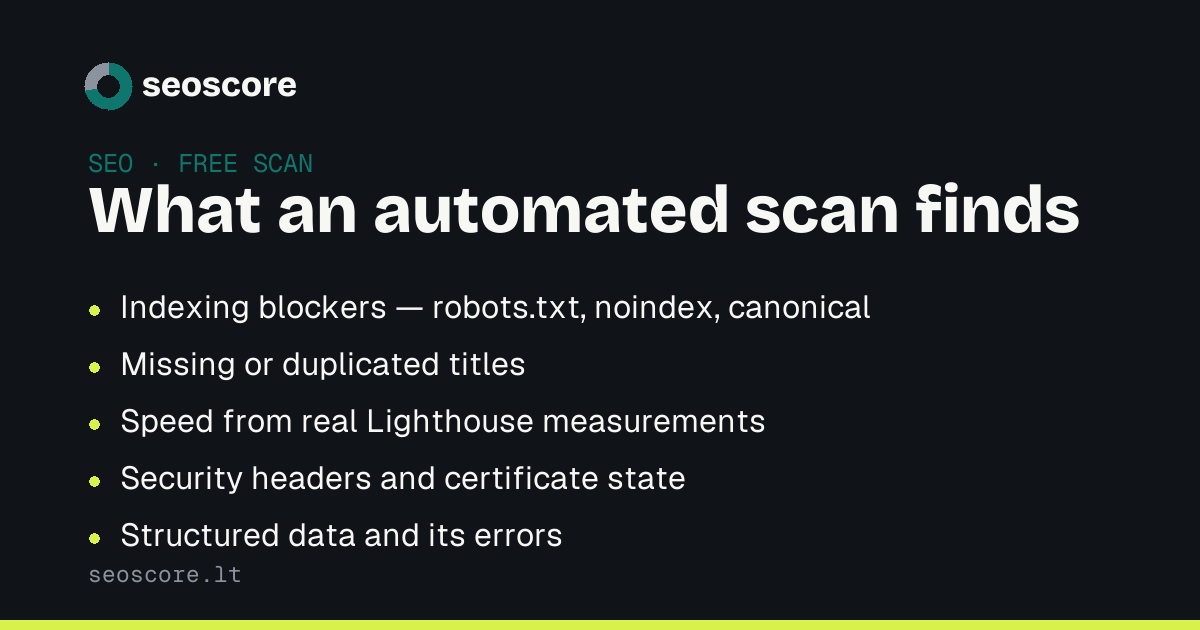
Technical faults are boring, repetitive and numerous. That is precisely the work a machine does without tiring:
- indexing blockers — a
robots.txtrule, anoindextag, acanonicalpointing at a different page; - titles and descriptions — missing, too short, duplicated across dozens of pages;
- links that no longer work — internal and external, with a real response code;
- speed — from actual Lighthouse measurements, not a hunch;
- security — certificate, headers, mixed content;
- structured data — whether the schema is valid at all.
A person doing the same by hand gets tired at page twelve and misses page thirteen. A machine does not get tired, which is why it catches what repeats.
What a scan will not tell you
Three things no automated tool measures:
Whether the topic is worth it. A page can be technically flawless and answer a question nobody asks.
Whether the text convinces. A scanner counts words and headings; it will not tell you whether a reader decides to buy after them.
How competitors look. A score of 78 is good if the one next door is 60, and poor if it is 92. A scan measures you, not the market.
Why "no signup" matters
An audit that asks for your email before the result is a contact form with a scanner in front of it. The difference is practical: if you see the result immediately, you decide for yourself — and come back when there is something to fix.
Our line: five scores, problem counts and three findings visible without an account; the rest unlocks with a plan. What is locked is stated as a number rather than left out, because "no issues" and "issues hidden" are two very different things.
How to read the result
Findings are ranked by impact, and the order is not decorative. A critical finding means the page is either unreachable or not being shown — those go first, because nothing else works until they are fixed.
Second in line is whatever repeats. One missing description is a detail; the same gap across twelve pages is one evening of work and a visible change in the next scan.
Related articles
The same subject from another angle — each answers its own question:
- How to fix SEO: a five-step plan
- Why Google does not index my pages
- Core Web Vitals with no data: what it means
The full list of areas is under what we check.
Sources
What this text rests on — primary sources, not retellings:
Frequently asked
Is a free scan enough?
For the technical half, often yes. It finds what is broken and says what to do. It is not enough where you have to decide on topics, copy and pricing: those depend on the business, not on the HTML.
Why do different tools give different scores?
Because they weight different things. A score is each tool's convention, not a unit of measurement. What is worth comparing is the **findings**: if two tools report the same problem, it is real.
How many pages get checked?
Up to 30 for free. That covers a small site entirely, and is enough on a large one to show what repeats: faults are rarely one-offs.
Does scanning harm the site?
No. The scanner behaves like a search crawler: it obeys `robots.txt`, rate limits itself and identifies itself by name. The load is lighter than one person browsing.
Check yours
A free scan shows which of the things described here your site already does, and which it does not.