Can ChatGPT see my website, and how do I check?
Check technical access and citations in specific answers separately. Access needs rule and server evidence; a citation needs a prompt, date and real source link. One answer or an audit score cannot establish your overall visibility in ChatGPT.
Define the outcome
Technical access means content can be retrieved. A mention means an answer includes your name. A citation links to a source, while a recommendation suggests you for a particular need. Do not collapse these outcomes into one score.
Inspect a public page
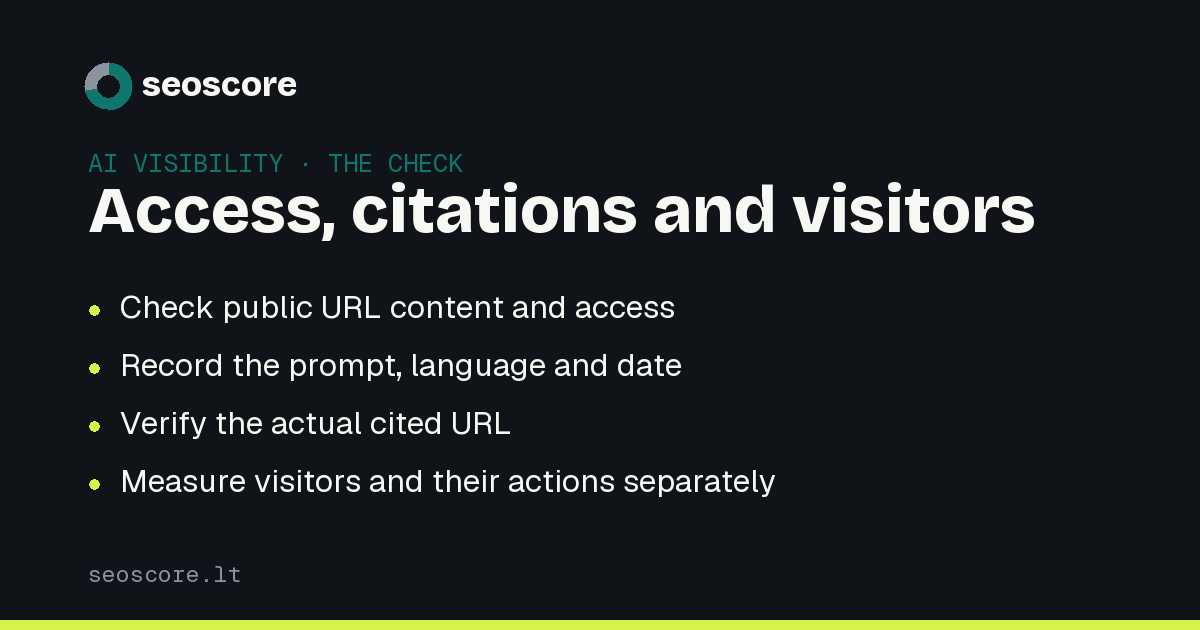
Choose an important SEO or GEO service page. It should return an appropriate HTTP response and contain a clear heading and readable content without a login. Check rules for the specific search bot. Training and search permissions are different.
Permission in robots.txt does not prove that a genuine bot passes the CDN or firewall. That needs verified server log evidence. An audit request is not a provider bot visit.
Record a verifiable answer
Use concrete questions about what the website actually offers. Someone choosing an audit tool might ask about report language, scan limits or the information included in a report.
For each observation, save:
- The exact prompt and language.
- The date and system used.
- Whether the answer used search.
- Mentions, recommendations and cited URLs as separate fields.
Open the link and check whether the page supports the claim. Generic wording or a correct brand name does not by itself establish that the system read your website.
Repeat under comparable conditions
Choose a stable question set in English and Lithuanian. Changing every question after each website edit makes comparison difficult. Answer variability and system updates can also affect results.
What SeoScore checks
A GEO audit checks access and content readiness, not all users' conversations. The GEO optimization page explains what to do after finding problems. Monitor citations and referred visitors' actions separately.
Related guides
Sources
Frequently asked
Does one missing mention mean the website is blocked?
No. The system may choose other sources. Verify access separately.
Does my audit score show citation frequency?
No. It summarizes audit signals. Citation monitoring records a chosen set of prompts and answers.
Should I check both languages?
Yes. English and Lithuanian questions can produce different sources and recommendations.
Check yours
A free scan shows which of the things described here your site already does, and which it does not.