Which free SEO tools exist and what does each one actually show?
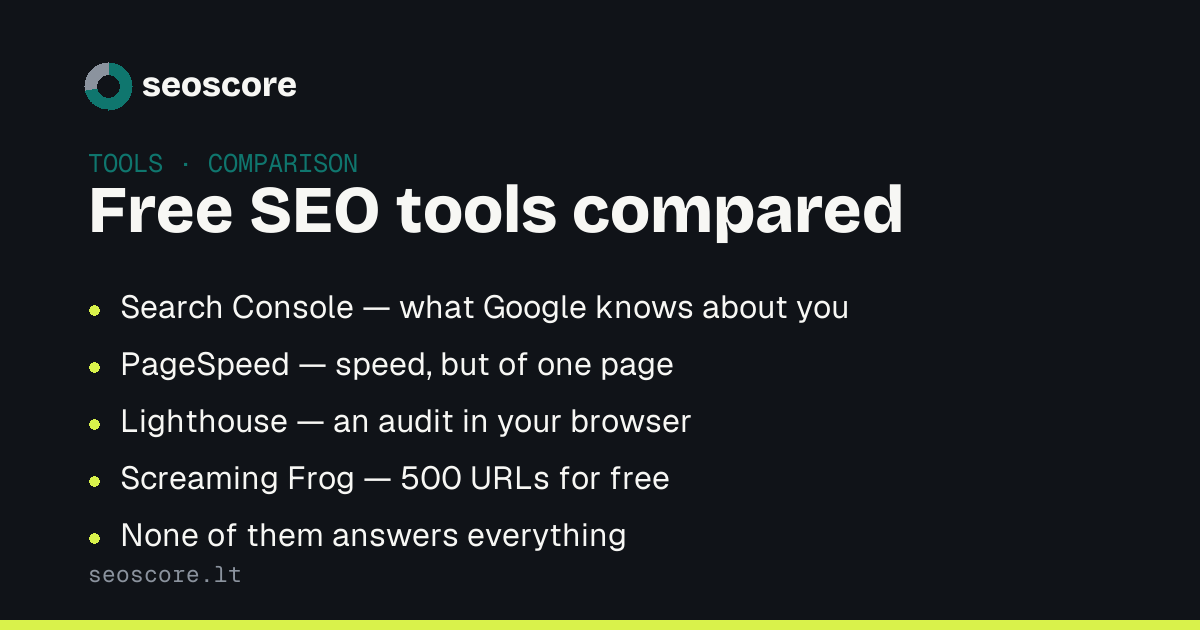
Several free SEO tools exist and they answer different questions. Search Console shows what Google knows about you. PageSpeed measures speed. Lighthouse audits one page. Screaming Frog crawls up to 500 URLs. Rich Results Test validates schema. None of them answers every question.
Free tools are enough to see the technical side of SEO yourself. But they are not substitutes for one another: each answers its own question, and the most common mistake is expecting from one what it never showed.
What answers what
| Tool | What it answers | What it does not |
|---|---|---|
| Search Console | What Google knows about you and shows | Nothing about pages Google has not found |
| PageSpeed Insights | How fast one page loads | Nothing about the rest |
| Lighthouse | An audit of one page in your browser | Nothing about indexing or competition |
| Screaming Frog | Structure, up to 500 URLs | Nothing about real traffic |
| Rich Results Test | Whether schema is valid | Whether it matches the visible text |
Search Console: the one that cannot be replaced
It is the only source showing real data from search itself: how often you were shown, for which queries, in what position, and how many clicks you got.
Its most important screen is not the traffic graph but the page indexing report: it shows which pages Google does not have and why. No external tool can answer that, because it is Google's own internal decision.
The limits are real too. Search Console says nothing about pages Google has not found, and the data lags by a couple of days. The gap between impressions and clicks here is half of any diagnosis — covered separately.
PageSpeed Insights and Lighthouse: one engine, two questions
Both use Lighthouse. The practical difference: PageSpeed runs on Google's servers and, where enough data exists, adds real visitor measurements. Lighthouse in the browser runs on your machine — so the result depends on your hardware and network.
Both share a limit that is often forgotten: they measure one page. The home page is usually the tidiest on the whole site, while the problems live on product and article pages.
What the numbers themselves mean is under the PageSpeed score.
Screaming Frog: the free tier is genuinely enough
Up to 500 URLs at no cost, and for most sites that is plenty. It is the only
free tool that sees the whole structure: broken links, redirect chains,
duplicate title tags, missing descriptions.
What it does not give is context. A list of 340 warnings is a list, not priorities — and most of technical SEO work is deciding which eight to take first and which thirty to leave alone entirely.
Rich Results Test and the Schema.org validator
The first tells you whether markup is valid and which Google features it unlocks. The second tells you whether the syntax is correct at all.
Neither checks the thing that matters most: whether the schema matches what
is visible on screen. A FAQPage with questions nobody can see passes both
checks and is still the violation that gets rich results disabled for the whole
site. More under structured data.
The order that makes sense
1. Search Console      are the pages indexed at all
2. Screaming Frog      what is broken across the structure
3. PageSpeed           speed on your KEY pages, not the home page
4. Rich Results Test   is the schema valid
5. your own eyes       does the schema match what is on screen
The order matters more than the number of tools. Optimising the speed of a page Google does not index is work whose result nobody will ever see.
What none of them does
All five measure search. None answers whether a language model understands and cites your page: whether AI crawlers are allowed in, whether the page has content without JavaScript, whether the text is divided so an answer can be lifted from it.
That is a separate question, covered under the GEO audit.
The free scan does both sides at once and puts the findings in one queue by impact — the part a list of 340 warnings never gives you.
Related articles
The same topic from another angle — each answers its own question:
- Technical SEO audit: what it covers
- Why organic traffic dropped
- GEO audit: how to check your AI visibility
How this feeds into the score is described under what we check.
Sources
What this text is based on — primary sources, not retellings:
Frequently asked
Are free tools enough?
For the technical side, largely yes. They fall short on two things: competitor data and prioritisation. The first needs a paid database; the second needs experience, or a tool that ranks findings itself.
How does Lighthouse differ from PageSpeed?
Not at all in engine. It differs in where it runs: PageSpeed runs on Google's servers and adds real visitor data, while Lighthouse runs in your browser, so your machine affects the result.
Does Screaming Frog's 500-URL limit really bite?
Not for sites of a few hundred pages. It does for a shop with a thousand products — but at that point a free tool has a different job anyway.
Why do different tools show different numbers?
Because they measure differently: lab data versus real visitors, mobile versus desktop, one day versus twenty-eight. The difference is normal; watch the trend, not a single number.
Check yours
A free scan shows which of the things described here your site already does, and which it does not.